
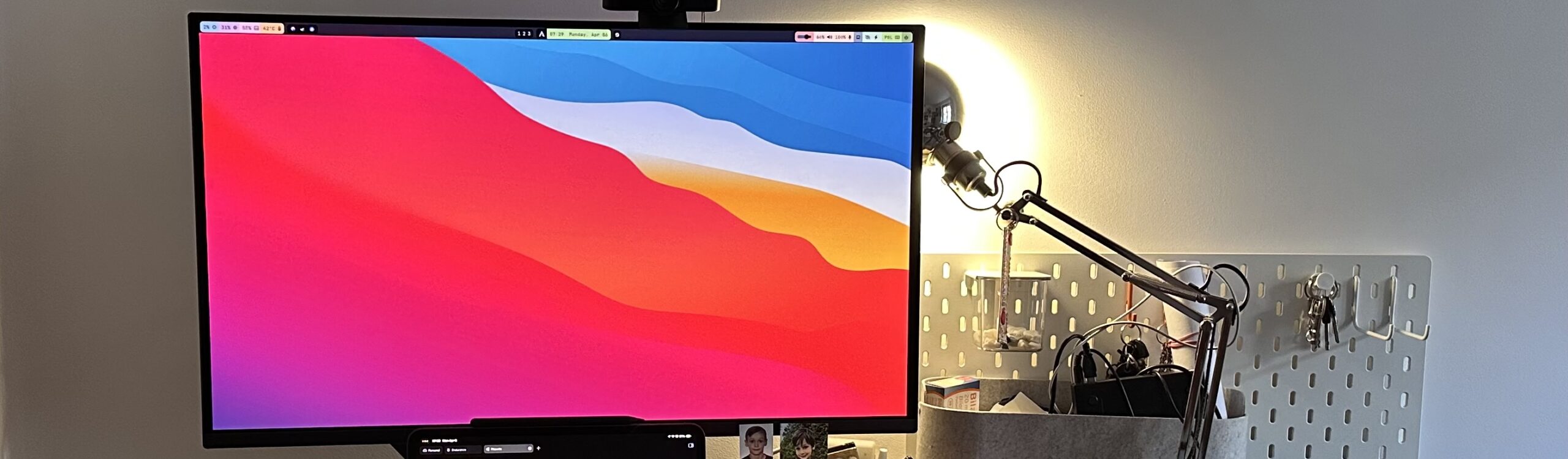
Sometimes you buy stuff, because you think it’s looks cool and will work for you. That’s what I’ve thought about an ultra wide display. But for some time, I’ve been longing for more of traditional proportions with a bit more kick in the resolution department.
The thing was my current display could easily put two windows side-by-side. I thought it was useful and I’ve been fighting really hard to believe that. But the truth is, the vertical resolution of the display did not match my expectations and I’ve ended up scrolling A LOT.
The current state of affairs
It wasn’t a bad display. Philips 345B1C is a 34” curved VA LED panel. It has a decent refresh rate of 100Hz and a resolution of 3440×1440. It had a nice set of features, including a sensor that could turn the panel off when nobody is in front of it, but it’s been missing a few things that I’ve discovered mattered to me.
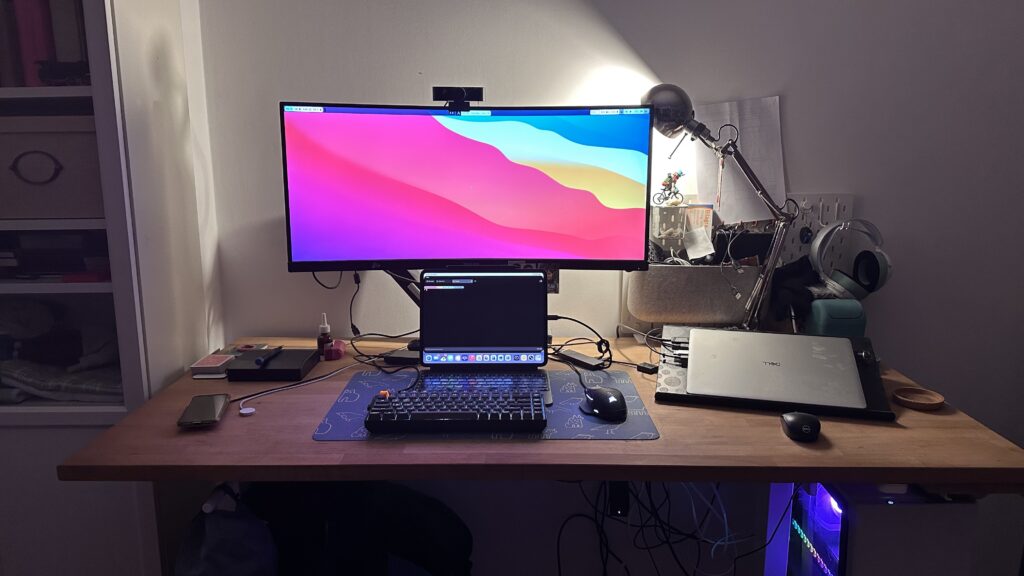
First, no KVM. I’ve been using an external one, which did do the job, but was a lot of cables and a bit clunky. Second, the vertical resolution of 1440 pixels just wasn’t cutting it. Also, USB type C port with power delivery AND display port would be a nice touch, since Apple has made some great improvements to iPadOS and that’s my primary computer most of the time.
So I’ve set out to find a replacement with a few key points to stick to:
- 4K resolution
- Built in KVM
- USB type C port with power delivery and display port
Apparently, they want you to be a gamer…
Surprisingly, most of the affordable displays fitting my filters have been the gaming focused models. Productivity targeted versions usually boast with colour accuracy, winding the price up and that I didn’t really need. I’ve been also struggling with deciding if I should go OLED or not. After months of searching and lurking, I’ve had my eyes set on Gigabyte’s AORUS FO32U2P.
It had all the features I could wish for. A nice 4K QD-OLED 240Hz panel, plethora of ports, including USB type C with impressive 65W PD and display port. Despite being a gaming display, it looked really streamlined and modest. Only the price… €900 was a lot for me and the Wife approval factor has been very low.
I have of course quickly noticed it has a cheaper brother – annoyingly similarly named (they are often presented as the same by algorithms and the pricing is then confusing) FO32U2 model. And the are some trade-offs to it that make the price significantly lower. It has a glossy finish instead of matte one, the PD is only 18W and there’s no fancy high speed 2.1 display port for the GPU I don’t have. And I have found it for as low as €500.
I’ve carefully considered my options. DisplayPort 2.1 was out of the window right away. I’ve also decided I can live with glossy display. We’ve been living with one (TV) for years and that’s non-issue. The main pain point was the power delivery part. 65W is significantly better than 18W and one of the goals was to get rid of the rat’s nest of cables and KVM and just have one cable for the iPad. In the end, the price difference was really compelling and I’ve pulled the trigger on the cheaper option, hoping it can really charge that M4 iPad.
The outcome!
First impressions – the monitor really doesn’t look that much gaming. The base is kinda aggressive triangle thing, but I’ve put it on the arm so I just see a simple rectangle with modest black bezels. It also isn’t a lot narrower than the old one, but you can clearly see it’s taller.
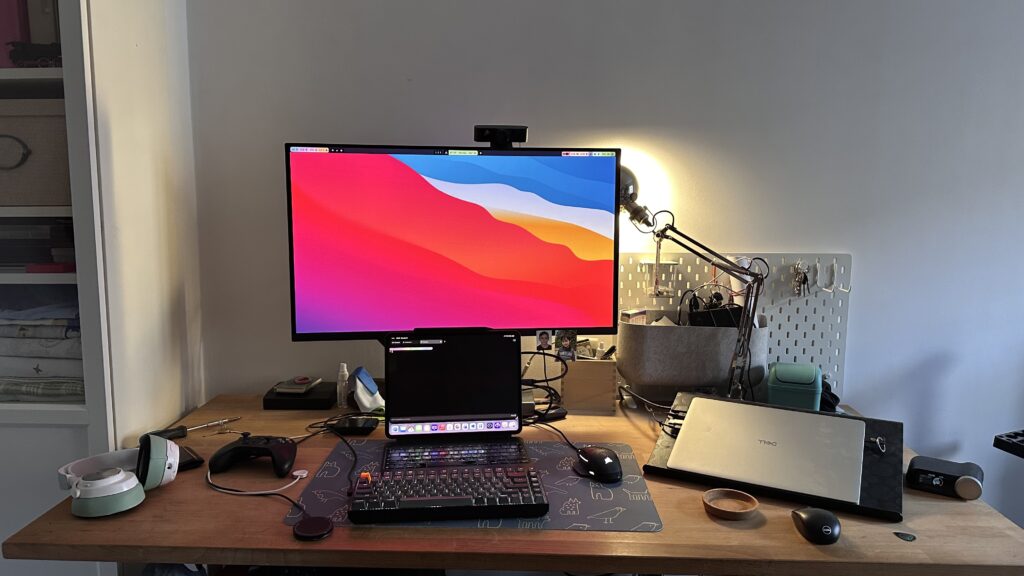
You can see them side by side just below.
I’ve had to do some tidying in the cable department, since the new display has an external power brick and built in KVM. Got rid of the old stuff, ripping out at least 10 useless items from under the desk. Also, I’ve had to get an additional and decent USB type C cable for the iPad, because only the more expensive model included one in the box. I’m very happy it can keep my iPad charged while connected, despite weaker PD. KVM also works in a satisfying and predictable way.
The setup was also as easy as mounting it on the arm (VESA 100), connecting all the cables and turning it on.
The best thing is it now does fit my purpose better. I can see much more in side-by-side view without scrolling, it works nice with iPad Pro and it’s built in display scaling and I’m really glad I’ve gone with OLED panel, because the colours are really vibrant and yet easy on the eye and the HDR effect is really impressive.
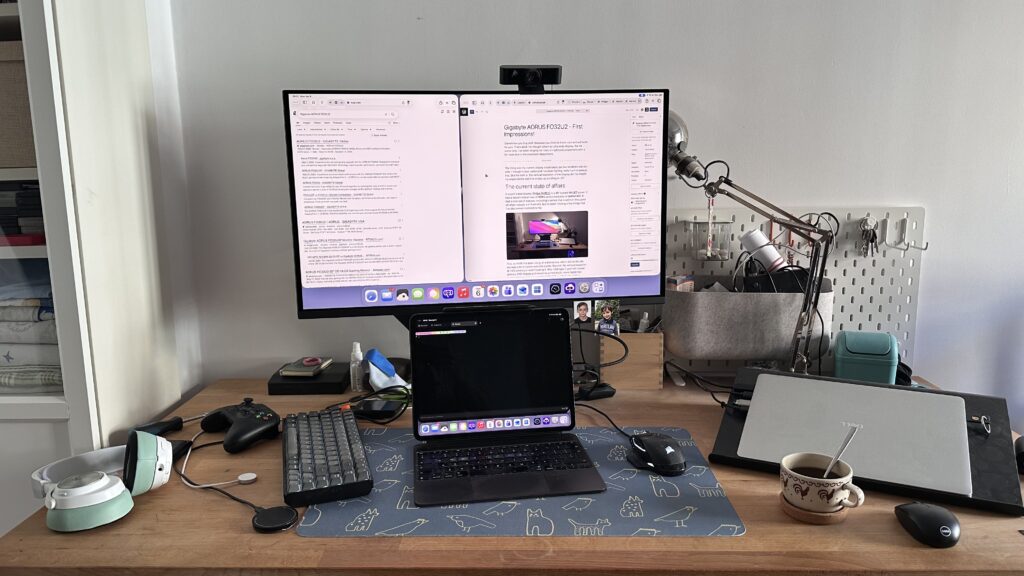
I’m really happy with the new display. The trade-offs I’ve made seem to be very acceptable and I’ve got what I was aiming for!

Leave a Reply