
As you probably know, IKEA has made some ripples in the smart home market with their Matter-enabled devices. Well… Let’s be honest – it was only a matter of time I’ve found a reason to get them.
The simple solutions are the best…
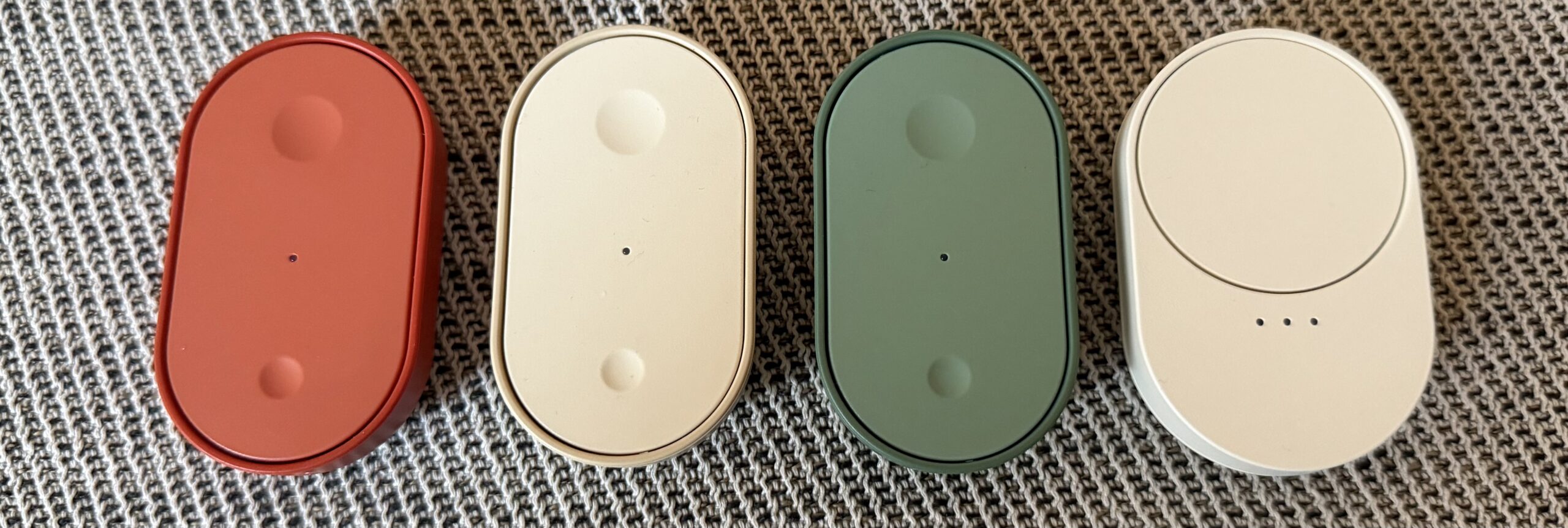
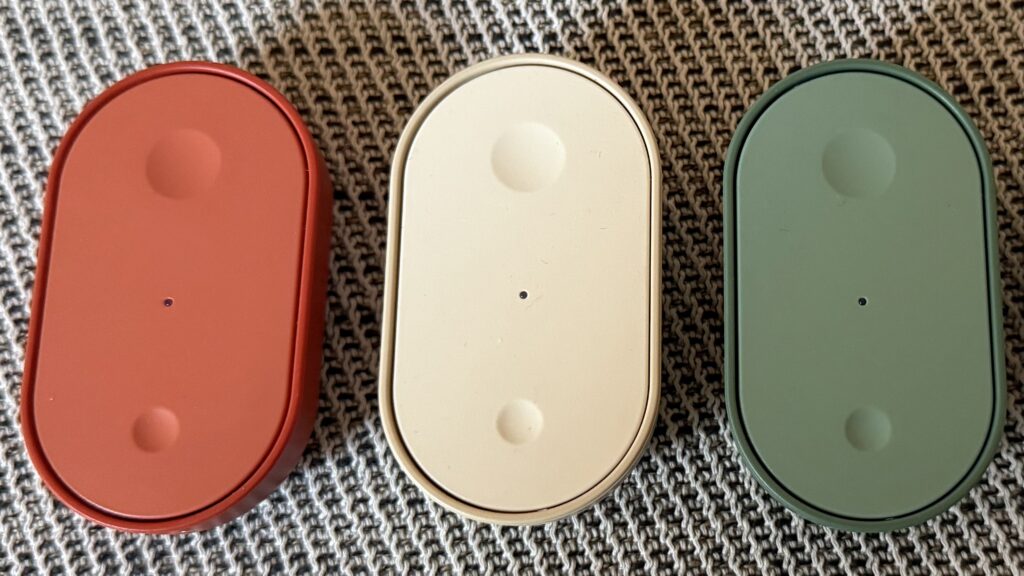
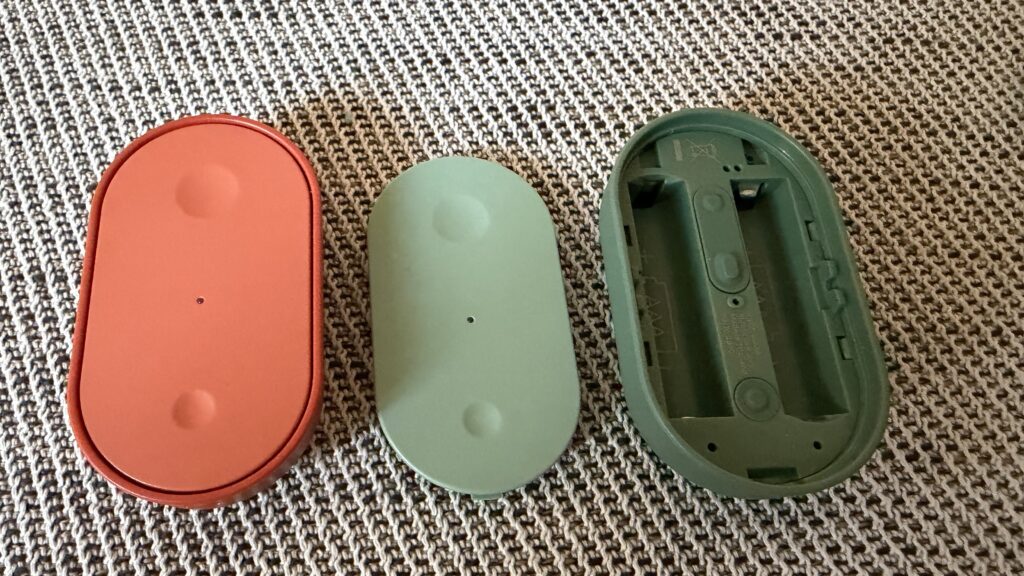
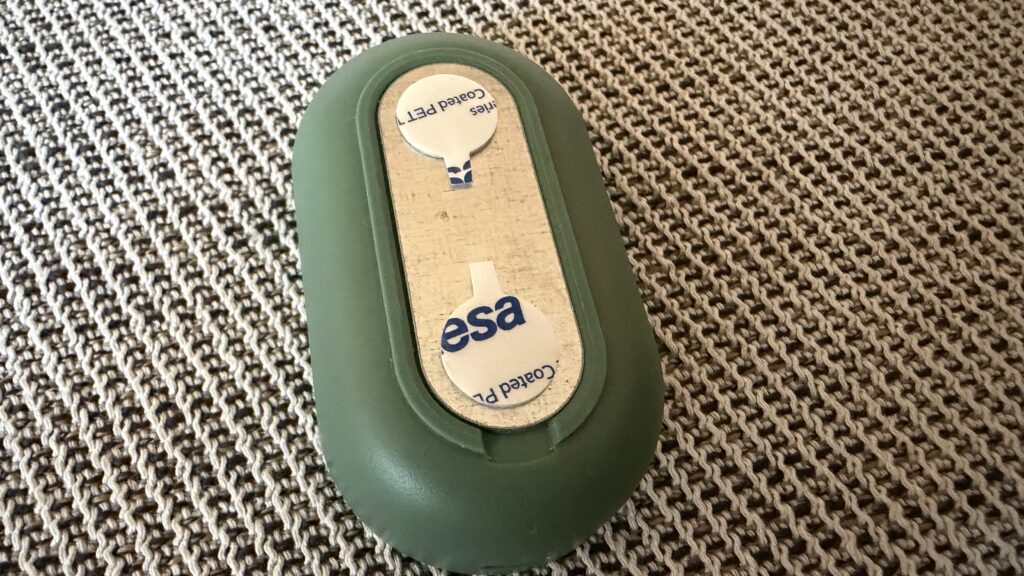
The dual-button Bilresa remote control looks as simple as it gets. It has 2 buttons, a hole you can poke a screwdriver in to open the battery compartment and a magnet on the back with a metal plate and stickers, so with the magic of magnets, you can put it on a vertical surface. That’s about it.
It is reasonably well made and it comes in a bewildering package of three distinct colors – beige, green and orange or you can get just get one and it is going to be white. Weird.
It has this time paired with both Apple Home and Home Assistant with no issues, which is a pleasant surprise for a change. I was always reluctant to get Matter over Thread devices because of that. However, it might be that I was finally connected to an appropriate VLAN on my network and all the correct planets and stars did align to make it as smooth as possible. Who knows?
When connected to your smart home system of choice, it will present some hidden features to you. It is of course a set of two buttons, but you can also program each button to do different stuff on single, double or long press. That is actually useful, as you can use it to control some other devices with double press or make the lights dimmer or brighter.


The button is a clear winner and a no-brainer. It is nice, functional and cheap. Single unit is already a bargain and you can get it for €4.99. The pack of three is even more insane – just €12.99. A must-have for your Matter-enabled smart home.
Not-so-smart scroll wheel…
The second item I’ve got my hands on is the Bilresa scroll wheel. It looks nice on paper. In theory, you can use bottom button to switch between three separate channels (which are in fact paired devices), toggle them on or off with the wheel click or use the wheel to set a level, for example dim a light or change the volume.
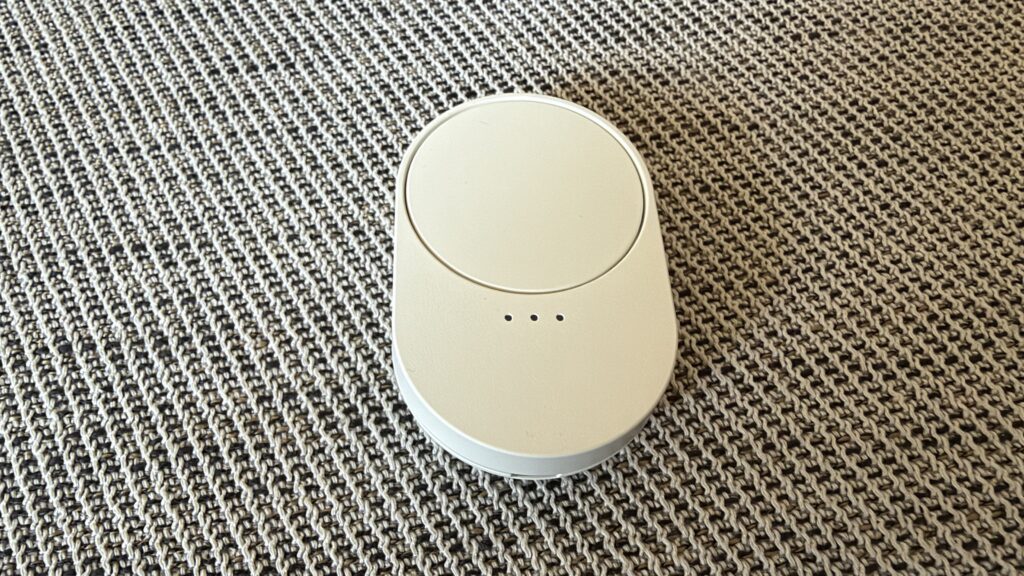
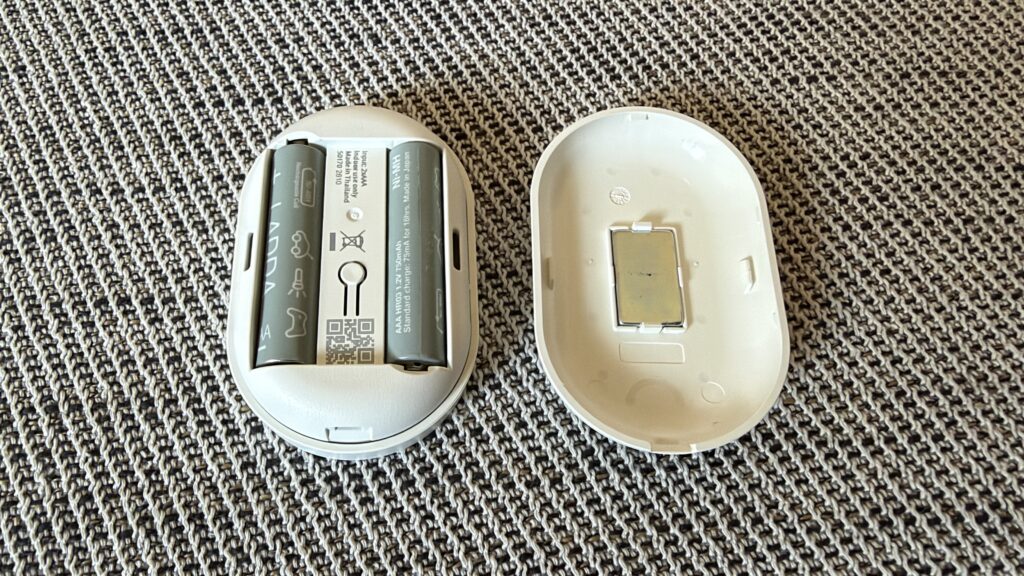
But in reality, the wheel is not that well made. It’s wobbly and difficult to turn. Attempted to rotate with one finger, it’s not very grippy. I usually ended up clicking it instead, which is not great.
Also, when paired with Apple Home and Home Assistant, it’s presenting itself as nine distinct buttons, where buttons 1, 2 and 3 are respectively “turn right”, “turn left” and “wheel press” for channel #1, buttons 4, 5, 6 for channel 2, etc. To make it even weirder, wheel turns can be single or double press (sic!) and the wheel click adds a long press to the mix. It is possible to set it up and use it like that, but I guess it’s going to be finicky and require a bit of mind-bending exercises. A custom blueprint for Home Assistant makes it a bit more digestible.
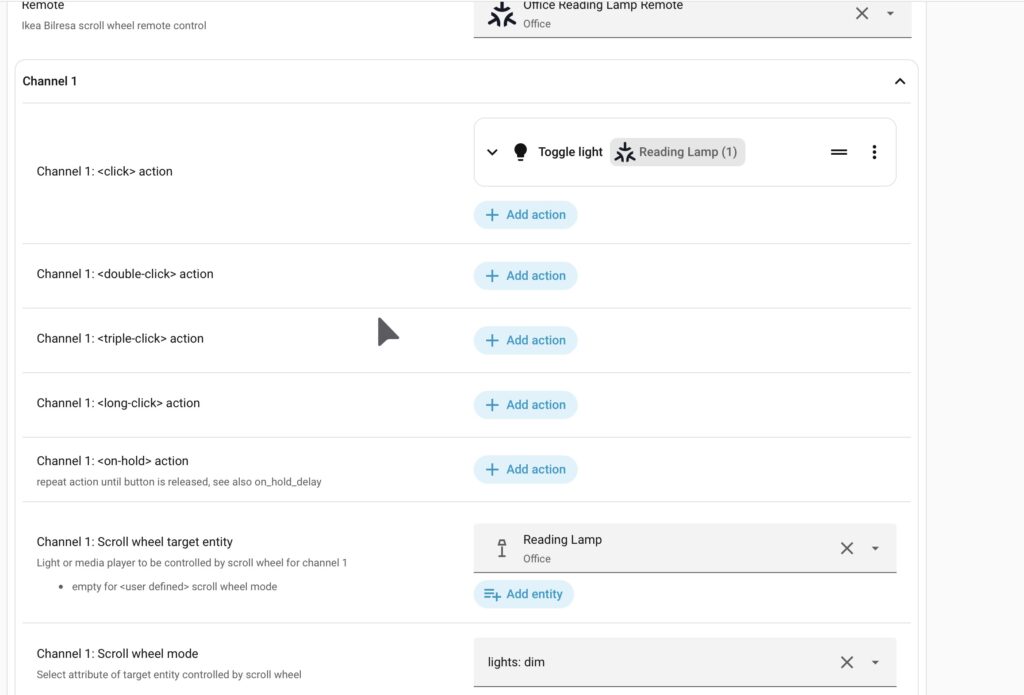
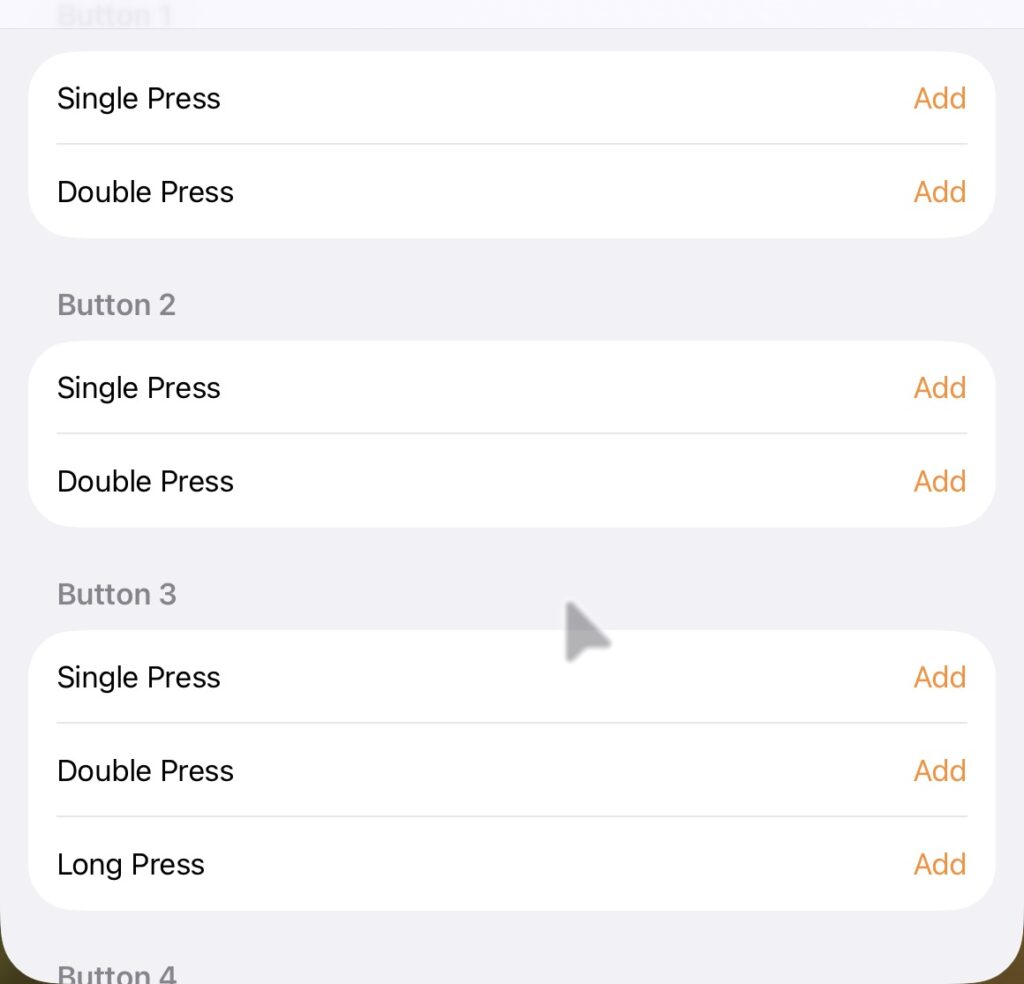
I’m sure it’s a blast to configure with IKEA app and gateway, but unless you really want to toy with it in Home Assistant to make it work, I’d not recommend getting the scroll wheel. Also, I might want to glue some kind of knob on it to make the wheel easier to turn.
Finally, improved door sensor!
The last device I’ve got is a straight up replacement for IKEA’s Zigbee enabled Parasol door/window sensor. I’ve got a replacement, because the current one has been going through the batteries like crazy and often just disconnecting and requiring a reset to be visible again.
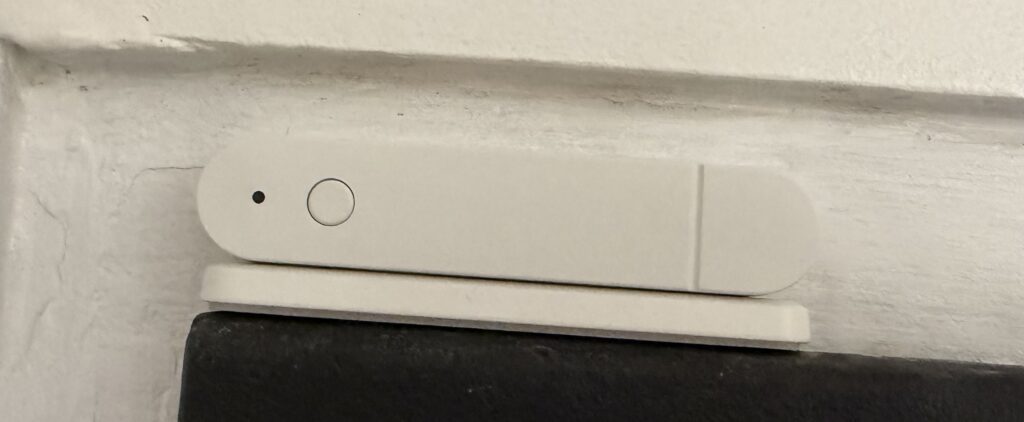
Myggbett, on the other hand, has been working with no problem since day one. So far, I have glued it in place, configured without any issues in Apple Home and Home Assistant. Also, they have surprisingly improved on the previous version by moving the pairing button to the outside and removing the screw for the battery cover.
There sure isn’t much I can write about it, because it’s just a sensor detecting a magnet nearby, but… I could have said a lot of bad things about it’s predecessor. With a price of €7.99, it is not that expensive, but I’m glad it has turned out to be a good device.
That’s about it for this post. Now… Let’s waste some time and play with that unfortunate scroll wheel to make the most of it…






Leave a Reply